
The DB Navigator is the ideal travel companion for local and long distance rail transport as well as for subways, trams and buses – and has been for 15 years.
Whether you’re travelling alone, with your family, in a group, by bike or with your dog – the optimized booking route allows you to find the right ticket quickly and easily. Discover many practical functions such as the trip preview, the digital travel companion for regularly used connections and the optimized trip notifications.
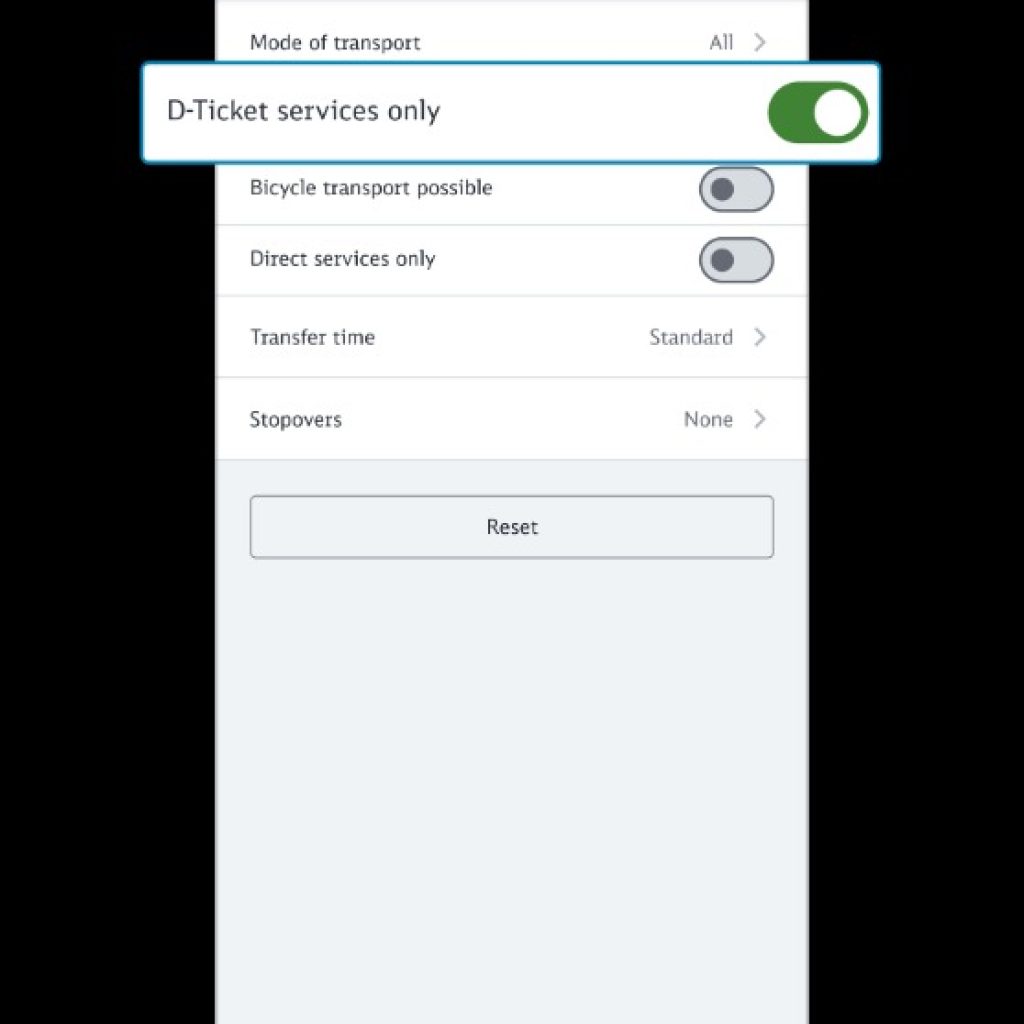
Find the right connection more easily with the Deutschland Ticket filter: (above)
Do you have a Deutschland-Ticket? Then you can use the Deutschland-Ticket filter to search even more specifically for suitable connections.
How it works: Activate the “D-Ticket services only” slider in the connection search under “Options”. You will then only be shown connections for the route you are looking for on which the Deutschland-Ticket can be used.
Note: By activating the “D-Ticket services only” option, the means of transport filter is automatically deactivated.
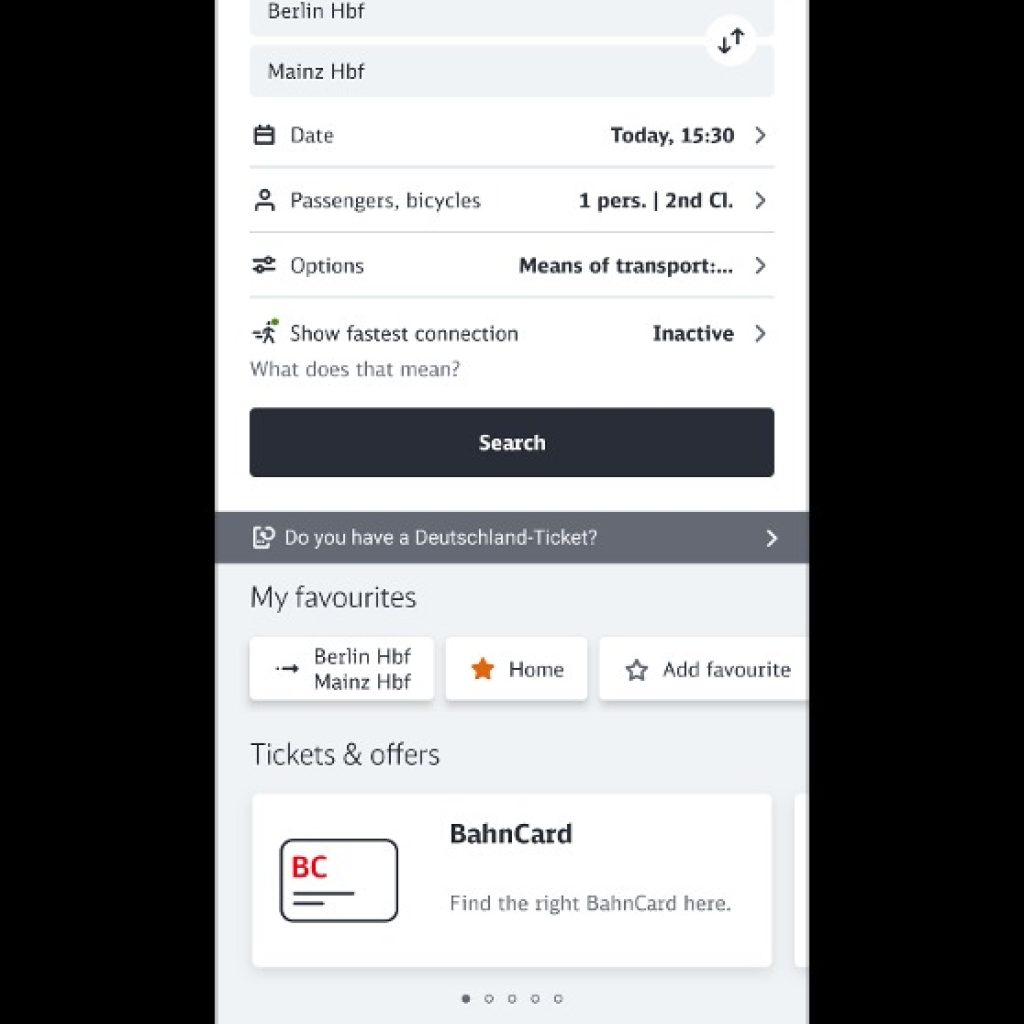
Connection search (above)
In the connection search, enter the start and end point of the journey and select the date and time of travel. Under “Passengers, bicycles” you can choose 1st or 2nd class and also add other passengers for whom you may need a ticket, such as an adult, a dog or a bicycle. Discounts are also taken into account there if you wish.
In addition to ICE and Intercity trains, the connection search will also show you underground trains, suburban trains, trams and buses. If you have entered an address in the search, you will be shown the nearest stop that you can reach on foot.
You can further customize your trip via the “Options”.
Saving your journey Bookmark your trip (below)
requires a free account . When you click a connect you want it opens a new screen at the top you can bookmark the trip, then the trip reminds you of platform changes , when the trip starts and ends as well as any connections.
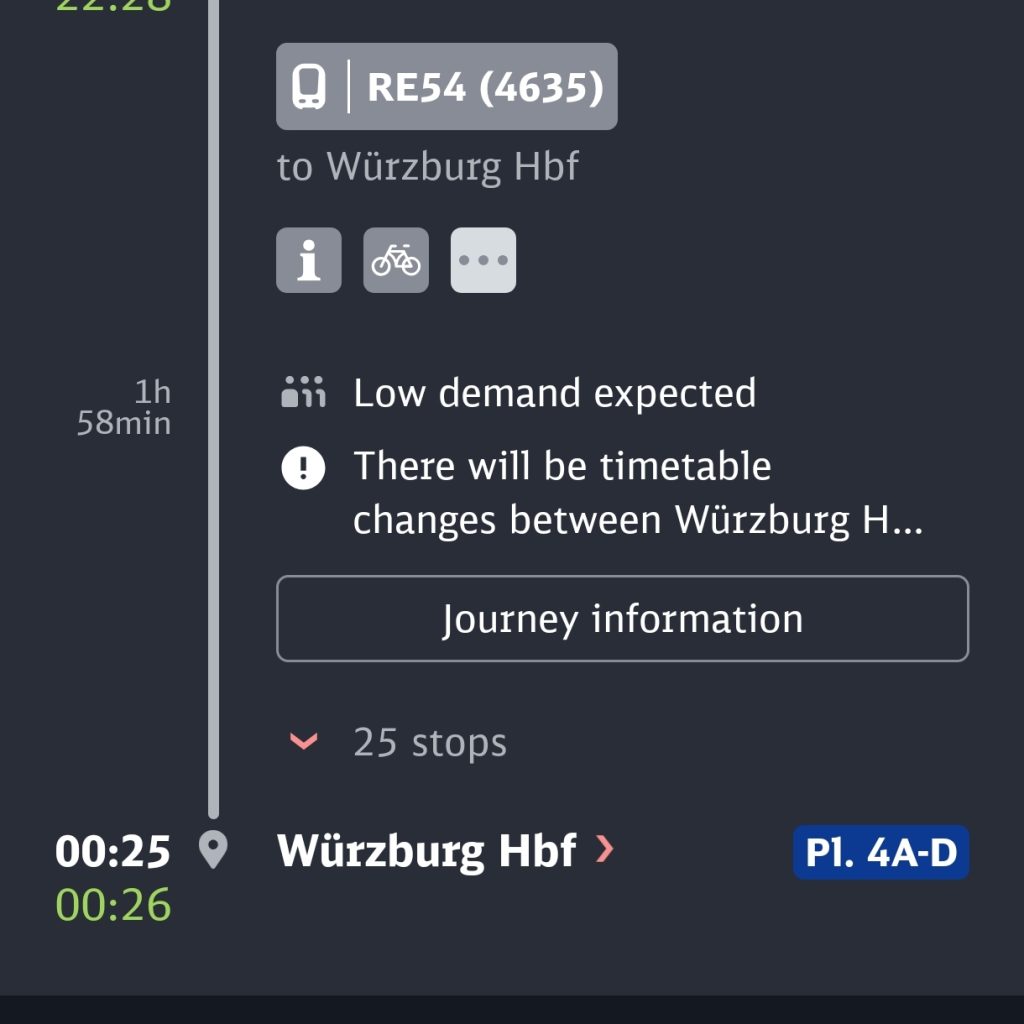
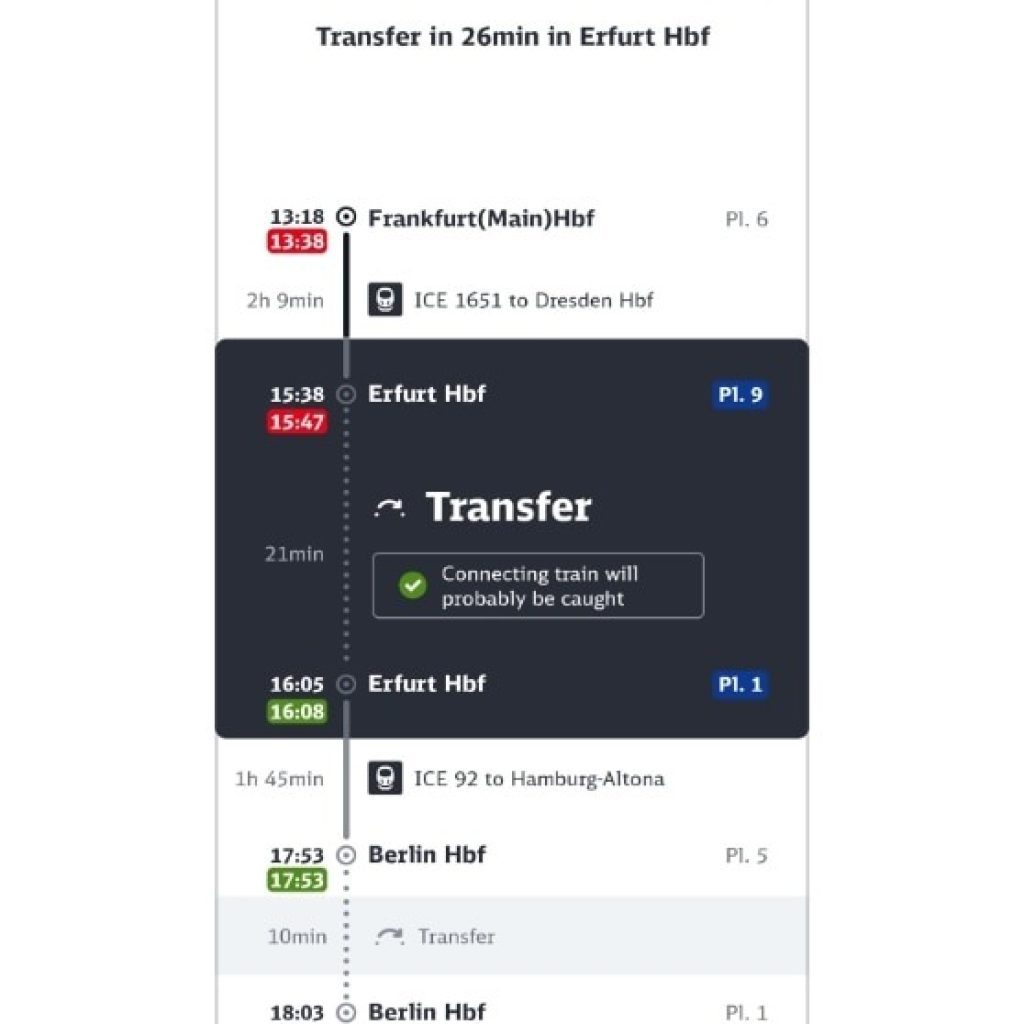
Digital travel assistance (above)
Benefit from the digital travel companion with the trip preview, trip notifications and the Remember journey function. The trip preview provides you with information about the different stages of your current trip as well as recommendations for action in real time. You can use the Remember journey function to save a connection even without booking a ticket.
In DB Navigator, you can now also set up digital travel assistance for regularly used connections.
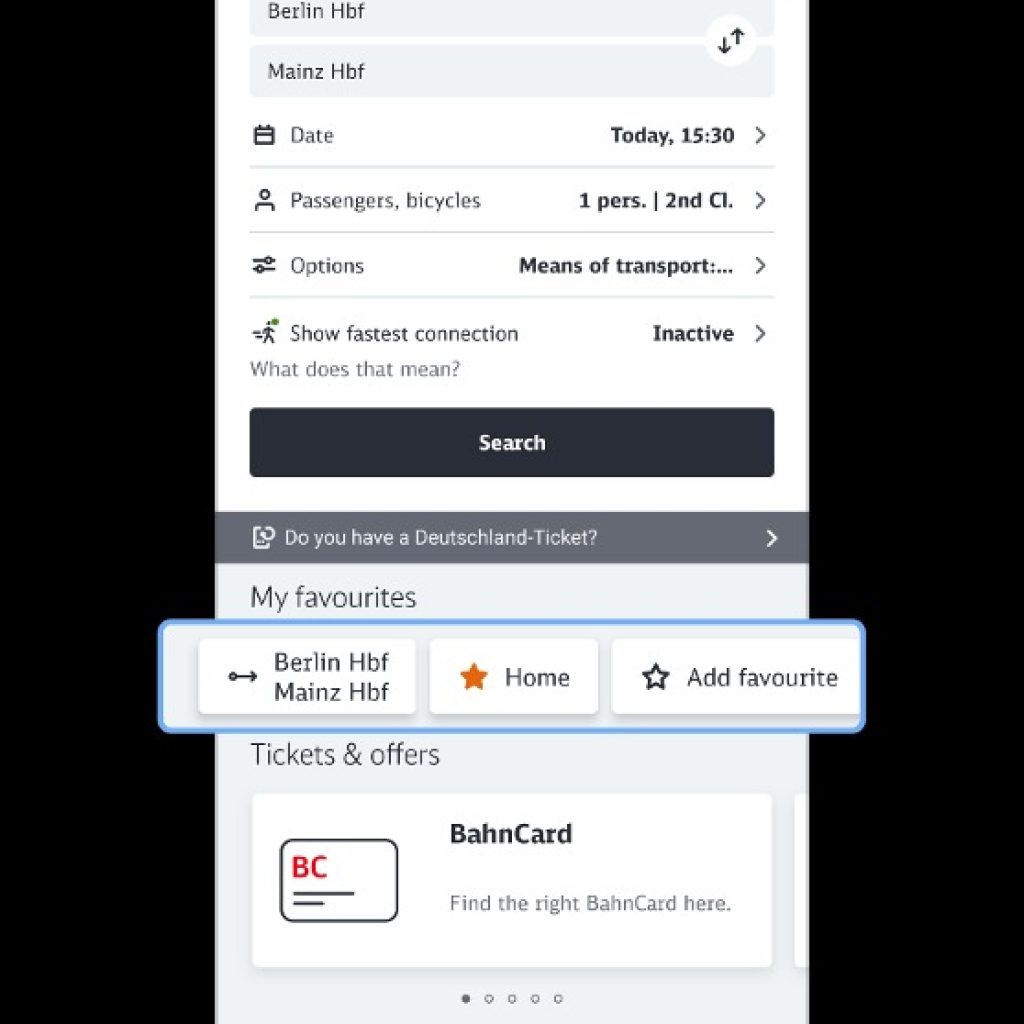
My favourites (above)
For a faster and easier connection search, you can now save your regularly used route as a route favourite in the app in addition to stops and addresses. To do this, click on “Add favourite”, for example, and create your desired route with start and destination. The connection is then saved with the options you have selected so that you do not have to enter them again later. Alternatively, you can also save route favourites in the connection overview via the “star symbol” or create, edit and delete them via your profile page.
This is how the route favourites can be sorted: In the “Profile” menu area in the “Favourites” section, first click on “More” and then on “Edit”. You can then put the route favourites in the desired order by holding and moving the three horizontal lines of a respective route favourite.
The route favourites are then displayed in the specified order in the “Book” menu area under “My favourites”.
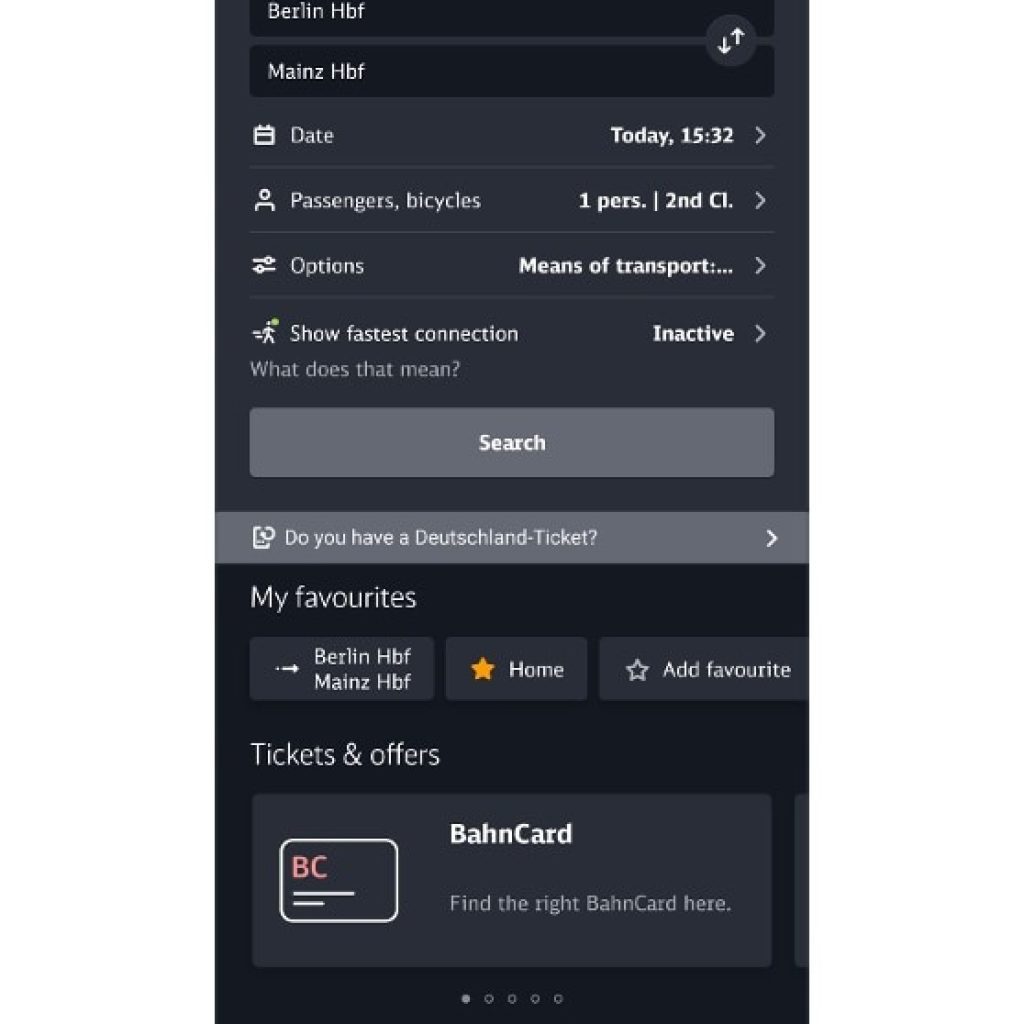
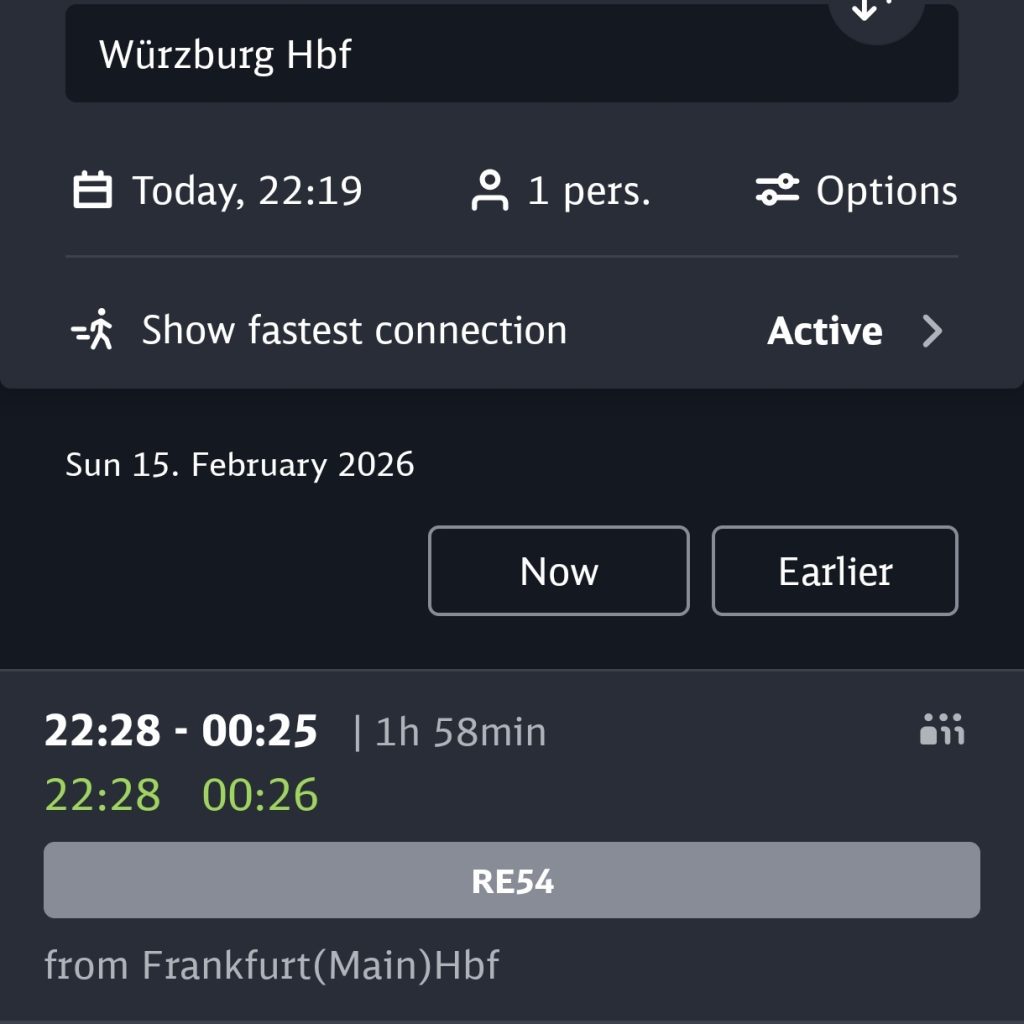
App in Dark Mode (above)



Comment (0)